
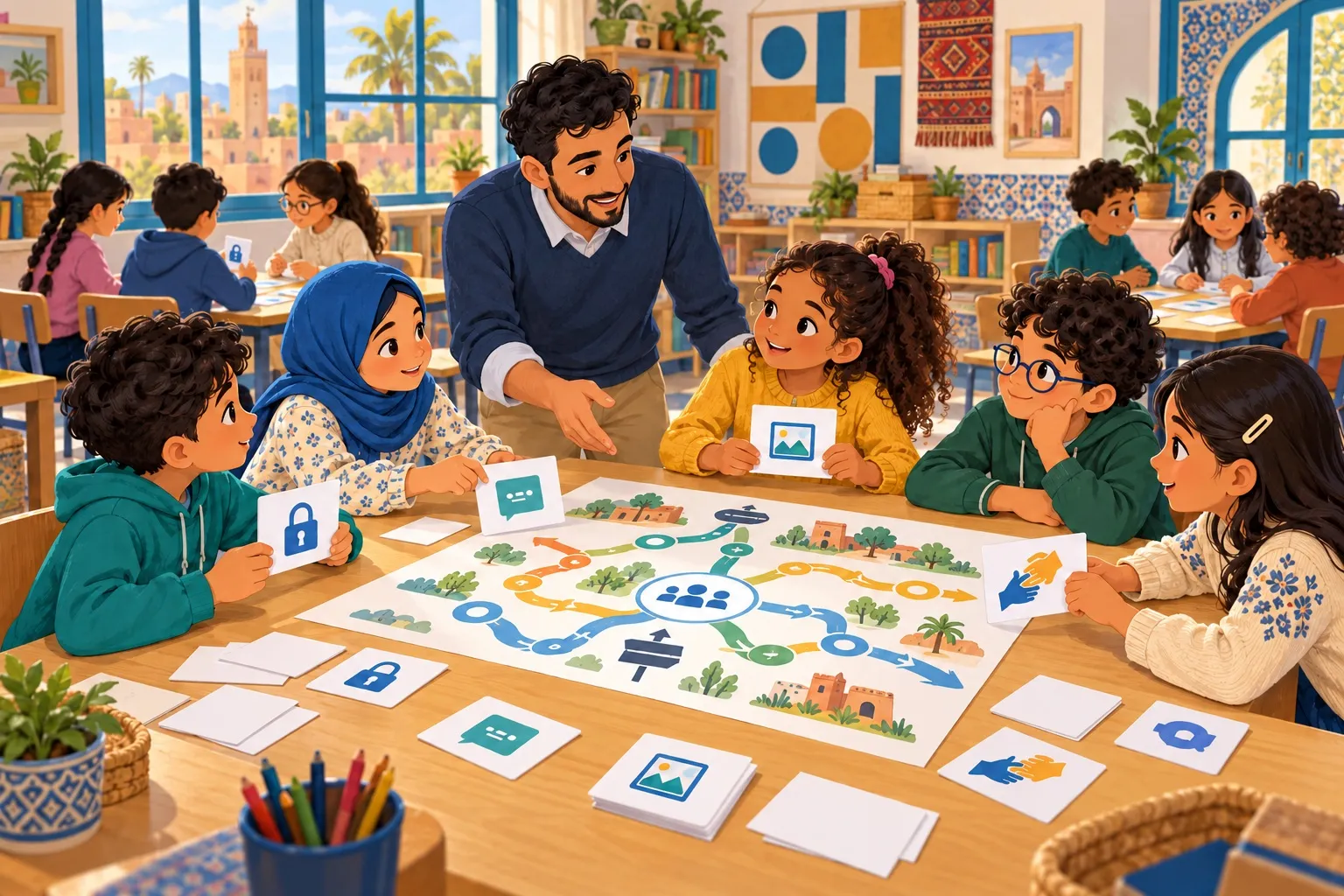
Use fictional scenarios, paper cards and discussion to help pupils explain decisions. Includes adaptable activities, a teaching schedule, descriptive assessment and ways to participate without screens.
Move from “be careful online” to decisions pupils can explain
A teacher asks, “Should we share a password?” Everyone answers no. But what changes when a message appears to come from a friend, a child needs assistance, or a request looks like part of a game? Internet safety activities in elementary school need to give pupils opportunities to explain choices, try alternatives and identify someone who can help. Repeating a rule does not reveal everything a child understands.
This guide contains 8 original classroom activities, most using paper and discussion rather than individual screens. Each includes a purpose, preparation, steps, review questions and an observable outcome. None assumes that every pupil owns a phone or account. They do not require harmful websites or personal disclosures. Select activities that fit reading levels and the class’s experiences.
eSafety’s classroom agreement resource illustrates involving learners in expectations for safe, respectful behaviour. That broad principle informs this guide. The activities, cards and assessment approaches below are original editorial suggestions, not copied worksheets or a programme accredited by eSafety.
Before the lesson: make questions possible without embarrassment
Explain that the examples are fictional and nobody has to describe a personal experience. Agree not to name people or show actual conversations. Allow a pupil to pass or draw an answer. Do not make a child who experienced harm the subject of the lesson, or announce that a session exists because of their incident.
Clarify the school’s support route beforehand: who receives a concern and how a teacher contacts them. If a child discloses harm, thank them for telling you and stop details being shared with the group. Listen in an appropriate setting, avoid promising absolute secrecy and follow the school’s child-protection procedure. A preventive activity does not replace an individual response.
Prepare large, clear cards, paper, pens and a recurring fictional character, such as Noor. The suggested times below are organisational examples, not validated learning doses. Any activity can be split into shorter sections or delivered orally.
Activity map and learning outcomes
Activity | Skill | Suggested time | What to observe |
|---|---|---|---|
Information in context | Recognising what needs protection | 20 minutes | Asks who needs it and why |
Before the photo | Permission and audience | 20 minutes | Asks and respects a refusal |
An urgent message | Pausing and checking | 25 minutes | Suggests an independent check |
A different chat ending | Boundaries and pressure | 25 minutes | Rehearses refusal and support |
Words and their impact | Empathy and peer support | 20 minutes | Helps without spreading abuse |
Asking for help | Explaining a concern | 20 minutes | Identifies an adult and a backup |
Result or advert? | Reading a digital interface | 25 minutes | Separates a claim from a check |
Our class agreement | Turning ideas into commitments | 30 minutes | Proposes an observable rule |
1. Information in context: share it, with whom and why?
Purpose and preparation: Make fictional cards showing a favourite colour, a school uniform with a visible name, a home address and a verification code. Prepare 3 headings: “We can discuss this”, “We need to ask” and “Do not send this in this request”. Never use actual pupil details or real passwords.
Steps: Read a scenario: an unknown person asks Noor for a home address to deliver a gift. Pupils place the card and explain their reasoning. Change the recipient to a trusted adult helping with a necessary task. Ask what changes and what still matters. The aim is not to memorise that every piece of information is forbidden in every situation, but to consider purpose, audience and necessity.
Review and assessment: Ask, “Do we need to send everything? Who could help us check?” Introduce a new card, such as a family’s regular time away from home, and request one reason for caution. Use pictures and an oral story for younger learners. Offer only 2 choices initially if useful. Never ask children to reveal their own information so the class can classify it.
2. Before the photo: taking and publishing are different choices
Purpose and preparation: Use drawings of puppets or fictional characters and audience cards labelled “family”, “class group” and “everyone”. Do not take pupil photos for the exercise. Set up a story in which Noor photographs an activity and wants to send the image to a group.
Steps: Volunteers practise a specific permission request: which photo, and where will it go? A character can agree to keeping the picture but decline publication. The group changes the plan, perhaps showing only the completed work. Do not treat refusal as an obstacle pupils should persuade someone to overcome.
Review and assessment: Ask, “If someone agreed yesterday, does that cover every new use? What if the background shows a school name?” Each learner proposes a change that respects the decision and identifies the intended audience. Offer writing instead of acting. A person’s refusal should not become a majority vote.
3. An urgent message: pause before acting
Purpose and preparation: Create 2 invented paper messages without working links: “You won a prize; send the code now” and “A reminder about an activity through the usual school channel”. Do not ask pupils to certify a real message as safe from appearance alone.
Steps: Small groups consider 3 questions: What does the sender want? Why are they rushing me? How could I check another way? Pupils choose actions such as pausing, not sending the code, consulting an adult or opening a service through the familiar route. Explain that a spelling mistake can prompt caution, but perfect spelling does not prove safety.
Review and assessment: Change the message to an apparent friend requesting urgent help. Is the name sufficient? Ask for an independent check rather than replying within the same conversation. If a group only says “it looks fake”, return to the request, the pressure and the checking route. Evaluate the proposed action, not how quickly the learner labels a message.
4. A different chat ending: refusing digital pressure
Purpose and preparation: Present a mild fictional conversation: someone in a game repeatedly asks Noor to move to a private chat and becomes angry at a refusal. Prepare possible action cards: end the conversation, ask for help, block, or send details to please the person.
Steps: Each group chooses an ending and drafts an appropriate sentence, such as “I do not want to share that” or “I will stop and get help”. Children do not have to continue negotiating or justify themselves to someone who pressures them. Model an adult responding calmly and without blame.
Review and assessment: Ask, “Does a gift mean we owe someone something? Can we ask for help after already replying?” Request a practical next step. Explain that blocking and reporting options differ between services and an adult can assist. Do not label a pupil “the scammer” or ask the class to recreate a real incident.
5. Words and their impact: helping as a witness
Purpose and preparation: Write a mild invented scene involving mocking comments about a character’s drawing. Avoid harsh insults and humiliating pictures. Provide options: forward the mockery, argue publicly, send a private supportive message or seek adult involvement.
Steps: Discuss which choices might spread harm and which support the person. The task is not to invent a stronger insult. Draft a simple message: “I saw the comment. It is not your fault. Would you like me to come with you to speak to the teacher?” Use language natural to the class while keeping the meaning supportive.
Review and assessment: Each group selects one direct form of support and one reporting step without circulating the hurtful material. Explain that witnesses do not have to confront someone who might harm them or place themselves in danger. Do not invite debate about who “deserves” abuse or make the targeted pupil solely responsible for ending it.
6. Asking for help: practise the opening sentence
Purpose and preparation: Make a card with 3 prompts: “Something happened”, “I need help with” and “I can show you what is needed privately”. Review the school’s referral route. Describing distressing details must not be a prerequisite for asking for support.
Steps: Model an invented request and a reassuring adult response: “Thank you for telling me. We will think about the next step.” Pupils identify an adult by role, such as a parent or teacher, and a backup if that person is unavailable or does not respond. They can write choices privately rather than display their personal support network.
Review and assessment: Ask, “Can we ask even if we do not know what the problem is called? What if we made a mistake?” Learners write an opening sentence without personal details. Assess the clarity of the request and knowledge of an alternative, not the ability to tell a long story or perform bravery before classmates.
7. Result or advert? Read before tapping
Purpose and preparation: Design a fictional paper interface with a search result, a clearly labelled advert and a download button within a story. Do not copy a live sign-in page or use a brand logo to imply trustworthiness.
Steps: Give the class a task: “Find instructions for a paper aeroplane.” Pupils locate the information, identify its publisher and notice where a purchase or download is requested. Discuss why the top result is not necessarily the most useful and why claims need checking. Do not equate every advertisement with a scam: advertising has a commercial purpose.
Review and assessment: Change the advert’s position or button size while keeping the task. Ask for reasoning about purpose and source rather than location on the sheet. Provide a large, high-contrast version and read text aloud where needed. Keep the activity focused on thinking rather than eyesight or reading speed.
8. Our class agreement: rules we know how to use
Purpose and preparation: Revisit decisions from earlier activities. Compare “be good” with “ask before sending a classmate’s photo”. Prepare a clearly readable place to display the finished agreement.
Steps: The class develops 4 or 5 rules using observable actions, including the teacher’s responsibility and a help-seeking step. For example: “If something worries us, we stop and call the teacher without showing it to everyone.” Add adults’ commitment to listen and not require children to disclose personal experiences publicly.
Review and assessment: Try the agreement on a new scenario and identify which rule helps. Set a review date and note what needs improving. An agreement does not replace school policy or make a child responsible for being harmed. A family internet agreement can help connect the language used at home and school.
Observe learning without ranking children
Use simple descriptions: “needs an example”, “chooses an action with a prompt” and “explains the choice independently in this situation”. Record the skill and context rather than a global label such as “digitally safe” or “weak”. A child may understand asking for help while needing more practice with privacy.
End with an invented exit question: “I want to send a photo to a friend. What 2 questions should I ask first?” Return to the idea later in a different setting. Listen to an oral response or accept a drawing when writing is difficult. Do not publish results or require actual passwords or personal photos as evidence of success.
A realistic schedule and connection with families
You could spread the activities across 4 weeks, with 2 per week, or extend the schedule to suit the class. Leave time for revisiting decisions rather than racing through the list. Send families one conversation idea and an imaginary example, not homework requiring a new account or device purchase. Explain that a child can take part without owning a phone.
For home practice, suggest our family online-safety games without requiring families to film participation. To review a wider programme, use our guide to choosing an online safety course. At Cyber Sqool, we connect play to decisions children can explain and treat teacher and family support as part of learning.
Teachers’ frequently asked questions
Do we need a computer for every pupil?
Not for these paper activities. A teacher-led demonstration can be added when appropriate, without personal accounts. Use a device when it serves a defined objective rather than merely because the topic is digital.
What if a pupil says this happened to them?
Thank them and move details into a private conversation and the school’s child-protection process. Do not question them in front of the class or ask them to show material to peers. Consider their needs before continuing an activity that may be upsetting.
Is one session enough?
It can start understanding but cannot guarantee later application. Revisit practice and connect it with everyday classroom routines, keeping adult support available after mistakes.
Sources and editorial notes
Source checked on 28 October 2026: eSafety: Online Safety Classroom Agreement. Activities, assessment language and timings are original adaptable examples, not a standardised test or a promise to prevent harm. The cover is a fictional illustration, not a photograph of an actual lesson.
