
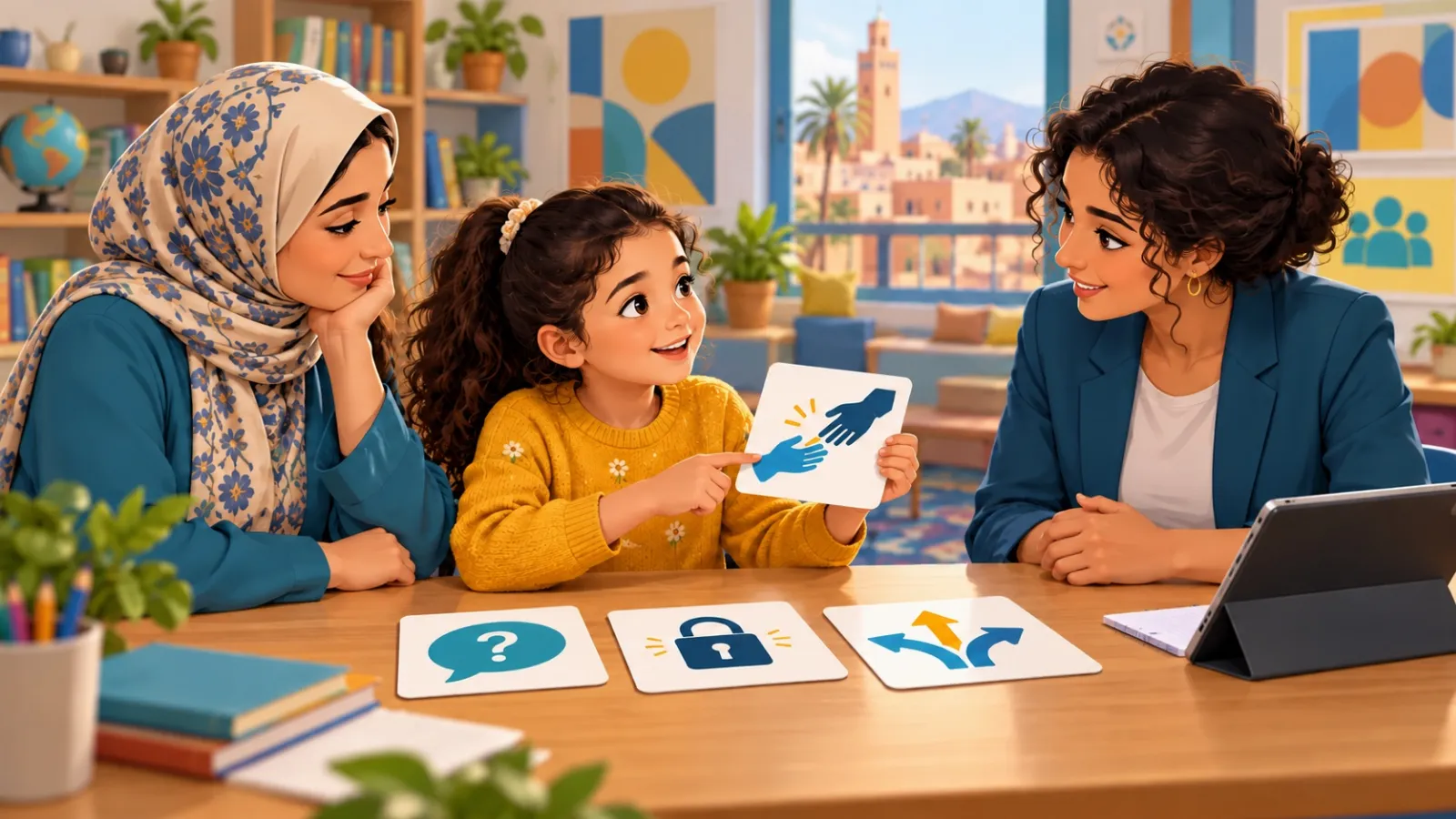
Start with what your child needs to do in a real situation, rather than course hours or a certificate. A practical guide for families and schools to compare learning, support and privacy.
A good course changes decisions, not just vocabulary
Imagine your child completes an online safety course and receives an attractive certificate. A few days later, someone in a game offers a gift in exchange for a code sent to the family phone. The useful question is not whether your child remembers the definition of a scam. It is whether they pause, understand what they should not send, and ask a trusted person for help. Start there when choosing an online safety course for kids.
Families need learning connected to ordinary experiences: an uncomfortable conversation, a photo a friend wants to share, a convincing message, or pressure to answer quickly. Schools also need to understand how a course fits teachers’ work and pupil support. No course prevents every problem. A worthwhile programme can help children notice a situation, think through choices, take an appropriate step and seek support.
This guide offers a practical comparison process: identify the need, inspect a sample, examine the activities, and review privacy and follow-up. The questions, comparison matrix and examples are original editorial tools. They are not an accreditation scheme or a scientifically validated ranking of providers.
Start with your child’s needs before a programme’s name
Write down 3 things: what your child does online, what they currently find difficult, and one skill you want them to practise. For example: “They watch videos on a shared tablet, sometimes tap adverts without understanding them, and need to recognise when to stop and ask.” This is a clearer starting point than a request for a course covering everything.
Ask about a simple invented situation without demanding access to private messages: “If someone in a game asks you to send a photo, what could you do?” Listen to their explanation before correcting it. A child may know a rule but find it difficult to refuse a friend, or worry that disclosing a problem will mean losing the device.
This conversation is not a diagnostic test. Its purpose is to find a useful starting point. If harm is already happening, a course is not a substitute for adult support and a response to that situation. Deal with the immediate concern first, then use learning to build future skills.
Distinguish online safety education from technical training
Coding, network security and ethical hacking in a controlled lab can be valuable. They do not replace learning about privacy, respectful relationships or asking for help. A technically sophisticated course may be excellent for another purpose yet unsuitable for a child who needs to understand in-game purchases or persistent requests in a chat.
Ask the provider to describe its audience and outcomes clearly. What will a child actually do by the end? “Understand cybersecurity” is broad. “Explain why a verification code must not be shared, rehearse refusing the request and tell a trusted adult” gives you something observable. The word “cyber” in a title does not identify the kind of learning on offer.
What can educational guidance contribute?
eSafety’s Best Practice Framework for Online Safety Education provides a basis for reviewing and improving teaching. England’s Department for Education guidance emphasises knowledge and behaviours that work across devices and platforms, with age and developmental suitability. These broad ideas inform the practical questions below. They do not mean either organisation accredits Cyber Sqool, and foreign guidance is not a Moroccan legal requirement.
7 criteria to check before enrolling
1. A clear action behind each learning objective
Request a complete example: the situation, the child’s choice, the explanation and a second attempt. In a lesson about links, a fictional message can be shown without a working link. The learner identifies what needs checking and suggests an independent route to the service. The point is to explain a choice, not memorise a button colour or a logo.
2. Appropriate language, development and context
An age number on a cover is not enough. Can your child read the instructions? Would hearing them help? Do the examples resemble what they actually do? A child without a personal phone can learn using a shared device or illustrated dialogue. Teenagers need scenarios that respect growing independence and relationships rather than treating them as very young children.
Ask about adaptations: extra time, audio instructions, plain language, drawing or spoken answers, and cues that do not rely on colour alone. Do not assume all learners read, hear or use a keyboard in the same way. An accessible format should make it easier to demonstrate the skill rather than changing the topic into a test of reading speed.
3. Safe practice without real exposure
A simulation should remain a simulation: fictional names, invented messages and made-up details. Children should not need to enter real passwords, visit harmful sites or contact strangers to show understanding. Ask to watch the entire activity, including what happens after an incorrect answer and whether any outside links open.
4. Feedback that explains and allows another attempt
“Wrong” does not explain a decision. Useful feedback identifies the relevant clue, offers a practical alternative and allows the learner to try again. Be cautious about language that blames someone who was harmed or implies that clever children never fall for deception. That can make admitting a problem harder.
5. A visible role for adults and help-seeking
What can a parent or teacher do after a lesson? Are there discussion prompts or instructions for responding to a concern? Does the child know whom to approach, including after making a mistake? Education should not transfer the responsibility for protection to children. They need adults who listen and act, with another route if the first person does not respond.
6. Clear information about data and communication
Review what information is collected, why, who can access it, and how to request correction or deletion. Ask whether a camera, microphone or external account is necessary. If there is live chat, who moderates it and how can a child report inappropriate behaviour? Start with minimal information and avoid providing documents or photos the service does not need.
7. Follow-up after the session
Look for a chance to revisit the skill in a different situation. Remembering an answer immediately afterwards does not establish later application. Follow-up can be a short family conversation or classroom activity without hidden monitoring or collecting personal incidents. Ask what reports actually measure and what conclusions they cannot support.
A comparison sheet to complete before deciding
Choose 2 or 3 programmes and request the same evidence from each. Use “clear”, “needs clarification” and “not available” rather than adding a numerical score that suggests false precision. A polished design should not compensate for an unclear approach to protecting children.
Area | Evidence to request | What to record |
|---|---|---|
Objective | A specific skill in a sample lesson | What does the child actually do? |
Suitability | Instructions, examples and adaptations | Can they participate without embarrassment? |
Practice | A fictional scenario and another attempt | Do they learn a reason or only an answer? |
Support | Adult responsibilities and reporting route | Who responds when a concern appears? |
Privacy | Required data and an understandable policy | What is necessary and what is optional? |
Follow-up | A later activity and example report | What can reasonably be observed? |
Terms | Full price, renewal and cancellation details | What is the family or school committing to? |
How to try a sample lesson with your child
Agree to a short trial at a calm time. Explain that you are testing the programme, not their abilities. Observe without explaining every button or answering for them. Note what requires clarification: unfamiliar vocabulary, narration speed, lengthy instructions or an answer without a reason.
Afterwards, invite them to explain the idea in their own words: “What made you choose that? Would anything change if the sender were a friend?” Change just one detail in the invented scenario. A safe answer without an explanation is a useful starting point for practice, not a failure. A thoughtful explanation combined with a confusing interface may indicate an accessibility issue rather than a lack of understanding.
Finish with a practical question: “When might this idea help us at home?” Do not require a real private message as proof. An imaginary example or a non-sensitive setting on a family device, with the account owner’s agreement, can be sufficient.
3 situations that call for different learning priorities
A child using a shared family tablet
Start with asking before downloading something or sharing a photo, noticing an advert, and telling an adult about upsetting content. Choose short activities in familiar language. Opening a personal account should not become an unnecessary condition for participation.
A child starting a game with chat
Prioritise communication boundaries: declining personal questions, responding to persistence and understanding that a gift is not proof of trust. Adults also need to understand the game’s settings and blocking and reporting options. A course complements that involvement; it does not perform it for the family.
A teenager navigating groups, photos and purchases
Look for realistic discussion of consent, peer pressure, reputation and checking before payment. Give the teenager a role in choosing goals and respect their choice not to tell personal stories in front of a group. An anonymous case study may be more useful than publicly asking about incidents they have experienced.
A suggested 4-week follow-up plan
Week 1: Agree on one skill, try the sample and record what your child wants to learn. Week 2: Introduce a different fictional scenario and discuss the explanation behind a decision. Week 3: Connect the skill to a small household habit, such as asking before sharing a photo. Week 4: Discuss what is clearer and what needs another attempt. This is an organisational example, not a proven timeframe for acquiring a skill or a guarantee of behaviour change.
For practice together, explore our family games for online safety or create a family internet agreement. Keep the discussion specific and supportive: a remembered slogan is less informative than a child explaining a choice and knowing where help is available.
Additional questions for schools
Before adopting a programme, identify responsibility for delivery, available time, equipment, accessibility and the response when a child discloses harm. Request a sample teacher guide and check facilitator training and boundaries around contact with pupils. A successful sales presentation is not enough if staff do not know how to deliver the lessons or support learners afterwards.
Examine reporting language as well. “Completed the activity”, “selected a correct answer” and “explained a choice in a new situation” are different observations. Do not present a learning result as proof that a child is protected from every risk. Avoid publishing pupil rankings or details of incidents for marketing.
Frequently asked questions before enrolling
Is a longer course better?
Not automatically. Compare appropriate practice and follow-up rather than hours alone. A long passive session may be less useful for a particular child than a shorter activity followed by supported practice. Ask how the timetable accommodates attention, breaks and different learning needs.
Does a certificate prove the skill has been learned?
A certificate may record attendance or completion of specified requirements. Ask what it means, then consider the learner’s explanation and application in a different example. Completion and independent capability are not interchangeable.
Can free resources work?
Yes, when they are trustworthy, suitable and supported. Examine advertising, data collection, sources and updates just as you would with a paid programme. Price alone does not establish quality.
Before paying, request these 5 things
Ask for a complete sample, observable objectives, privacy information, a support and follow-up plan, and clear subscription terms. Keep the answers and compare them with your child’s needs. At Cyber Sqool, we see the value of digital education in a learner explaining a decision and approaching a trusted adult. You can use the same questions to examine any offer, including ours.
Sources and editorial notes
Sources checked on 28 October 2026. The examples, matrix and weekly plan are original editorial proposals. The cover is an original illustration of fictional people. The foreign references provide educational guidance in their own contexts; they do not accredit the programme or establish legal obligations for Moroccan schools.
