
YouTube Kids and supervised YouTube are different experiences. Choose according to age, readiness and content needs, rather than a reassuring product name alone.
The basic distinction
YouTube Kids offers a separate environment with a more limited library and parental content choices. Supervised YouTube provides access to a wider part of YouTube under available settings. Teen supervision tools are also distinct from the child experience; these supervision levels are not interchangeable.
Before setup
Check age requirements, regional availability and how the child’s account or profile links to a parent in Google’s current guide.
Choose a content level or individually approved content where offered. Review search, autoplay and time options actually available.
Check every device, including televisions, where a different account may bypass the chosen experience.
Try real content together
Watch several results or recommendations and discuss what to do if a disturbing video appears. Blocking and reporting help, but automated systems and human review can make mistakes. No product label guarantees every video suits every child.
Revisit the choice
Begin with the smallest content range that meets the need, then review as independence grows. Do not use an adult account as a shortcut around age terms. Make clear that telling you about an unsuitable video does not automatically trigger punishment; it helps you improve the setup.
Sources and review
Sources reviewed: 26 October 2026. Interfaces and policies may change.
Official CyberSqool accounts
Instagram · Facebook · TikTok · YouTube · X
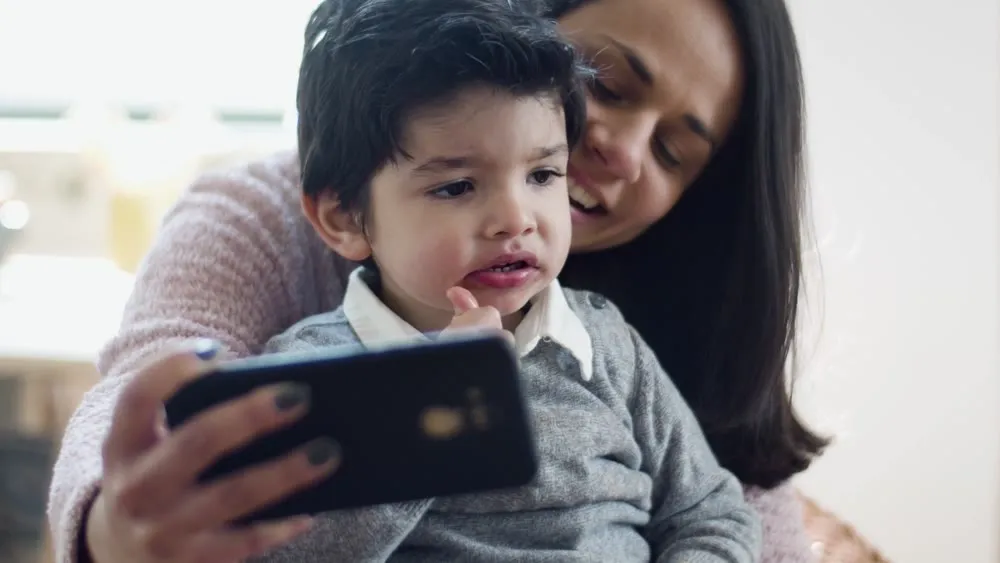
Illustrative image from the project’s visual materials; it does not depict a documented incident or victim.
