
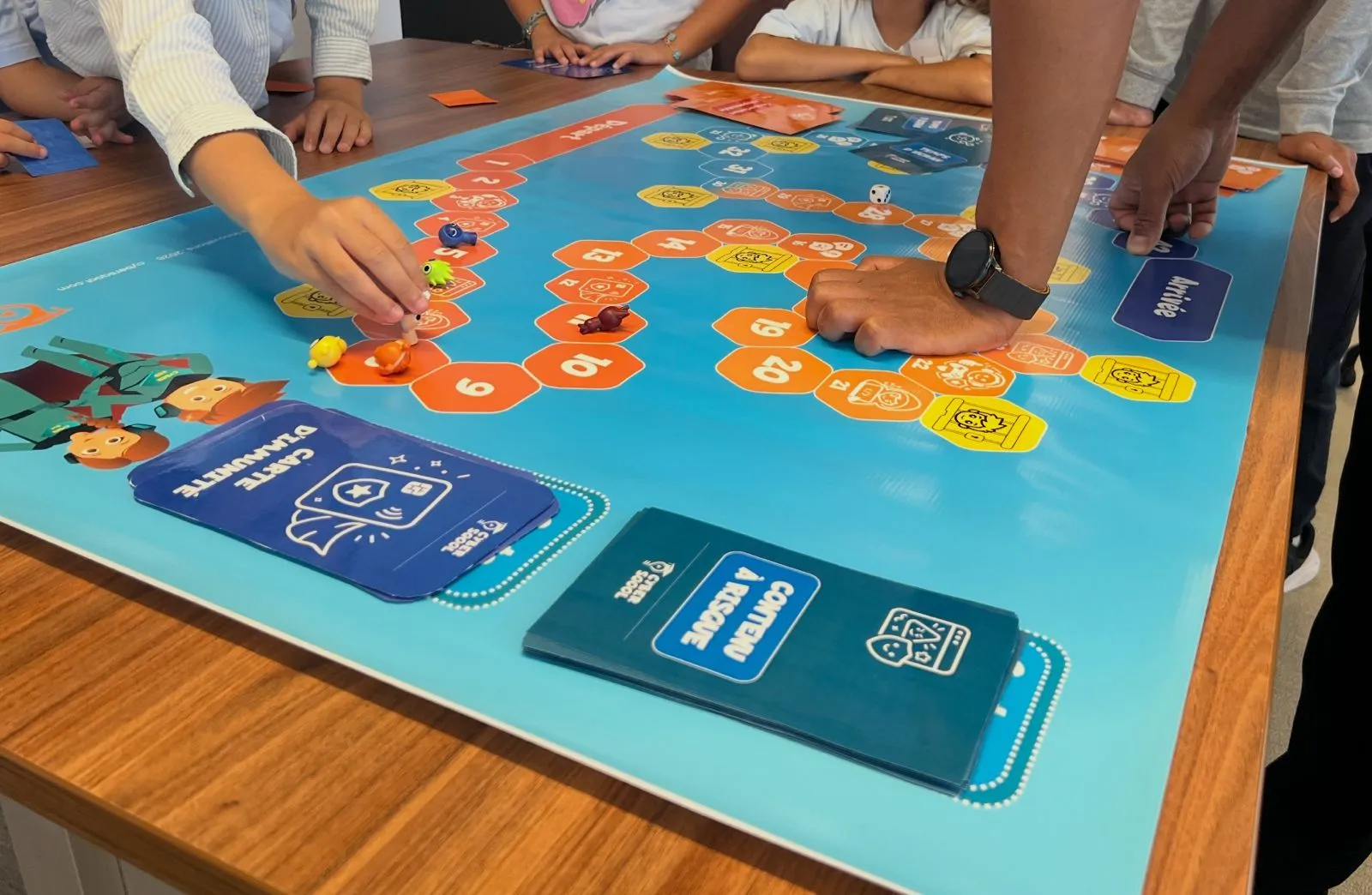
A student may correctly identify a suspicious link and still hesitate when a worrying message arrives. Tests are useful, but a score alone cannot show whether learners can apply what they know in a new situation.
From knowing a rule to using it
A student may correctly answer questions about passwords or suspicious links and still hesitate when a worrying message arrives. This does not make tests useless; it means a test score alone cannot show whether the learner can apply what they know in a new situation.
For a school leader, the question is not only “What does the student remember?” but also “How might they act when faced with a digital choice?” In online safety, the difference between knowing a rule and applying it matters to children, schools and families.
What do we mean by digital immunity?
Cyber Sqool uses the term “digital immunity” for a goal that goes beyond memorising tips: helping a child practise pausing, thinking and choosing a safer next step, such as avoiding an urgent link or asking a trusted adult for help.
In a LinkedIn post, Cyber Sqool’s founder wrote that a perfect quiz result is not enough if a child may still fall for a phishing trap in real life. He also described drawing on educational game design principles and discussing cognitive load and scaffolding during a Mastercard Foundation EdTech Fellowship bootcamp. This describes Cyber Sqool’s experience as reported in the post; it does not mean the company is endorsed or certified by Carnegie Mellon University or LearnLab. Read the founder’s LinkedIn post.
Why an engaging lesson is not enough on its own
A game or story can capture attention, but it does not guarantee that a skill will transfer to a different situation. Each activity should have a clear learning goal: what decision should the child learn to make, and what evidence would show that they understand why?
Carnegie Mellon’s educational game design guidance describes balancing the play experience with learning goals, measuring those goals, and testing and improving the activity. LearnLab describes its work as using learning science and technology to improve learning in real educational settings. CMU guidance on educational game design · LearnLab at Carnegie Mellon.
How can a school assess whether students can apply a skill?
Alongside a knowledge quiz, a school can use short, age-appropriate scenarios the student has not already practised, such as:
A message claims an account will close in minutes and urges the student to click a link.
An unknown player asks the child to move to a private chat.
A classmate sends an embarrassing image and asks the student to share it.
A game pop-up requests personal information in exchange for a prize.
After each scenario, ask the student what they noticed, what options they have, and whom they could ask for help. The aim is to understand their reasoning, not embarrass or expose them to a real risk. Do not use frightening real messages or collect sensitive personal information during an exercise.
It also helps to vary the scenarios and revisit skills later. A 2025 study in Learning and Instruction examined retrieval practice and transfer in complex learning concepts and reported benefits under the conditions it studied. It did not study children’s online safety directly, so it is relevant here as a general learning principle, not evidence for any specific cyber-safety programme. Read the study.
A practical checklist for school leaders
Does each lesson have a clear knowledge or behaviour goal?
Do students make decisions in age-appropriate scenarios?
Can they explain why they chose a response?
Do later lessons return to and extend the skill?
Do students know whom to approach if something happens?
Does the school assess understanding and application while protecting students’ privacy?
These questions help leaders evaluate the quality of a learning experience without confusing an enjoyable activity with evidence that a skill has been learned.
Assessment should guide support, not label a child
Use assessment to identify where students may need more explanation or practice, not to label a child “safe” or “unsafe.” If a student shares a harmful online experience, listen calmly and follow the school’s support process. UNICEF advises adults to listen without blame and consider appropriate next steps for the child. UNICEF guidance.
Building online safety at school means giving students repeated opportunities to think, practise and ask for help. School leaders can also review Cyber Sqool’s school digital safety programme as one example of connecting awareness to a sustained learning pathway.
For programme enquiries: contact@cybersqool.com · +212 611 106 915.
